01 / ADD YOUR TRACK
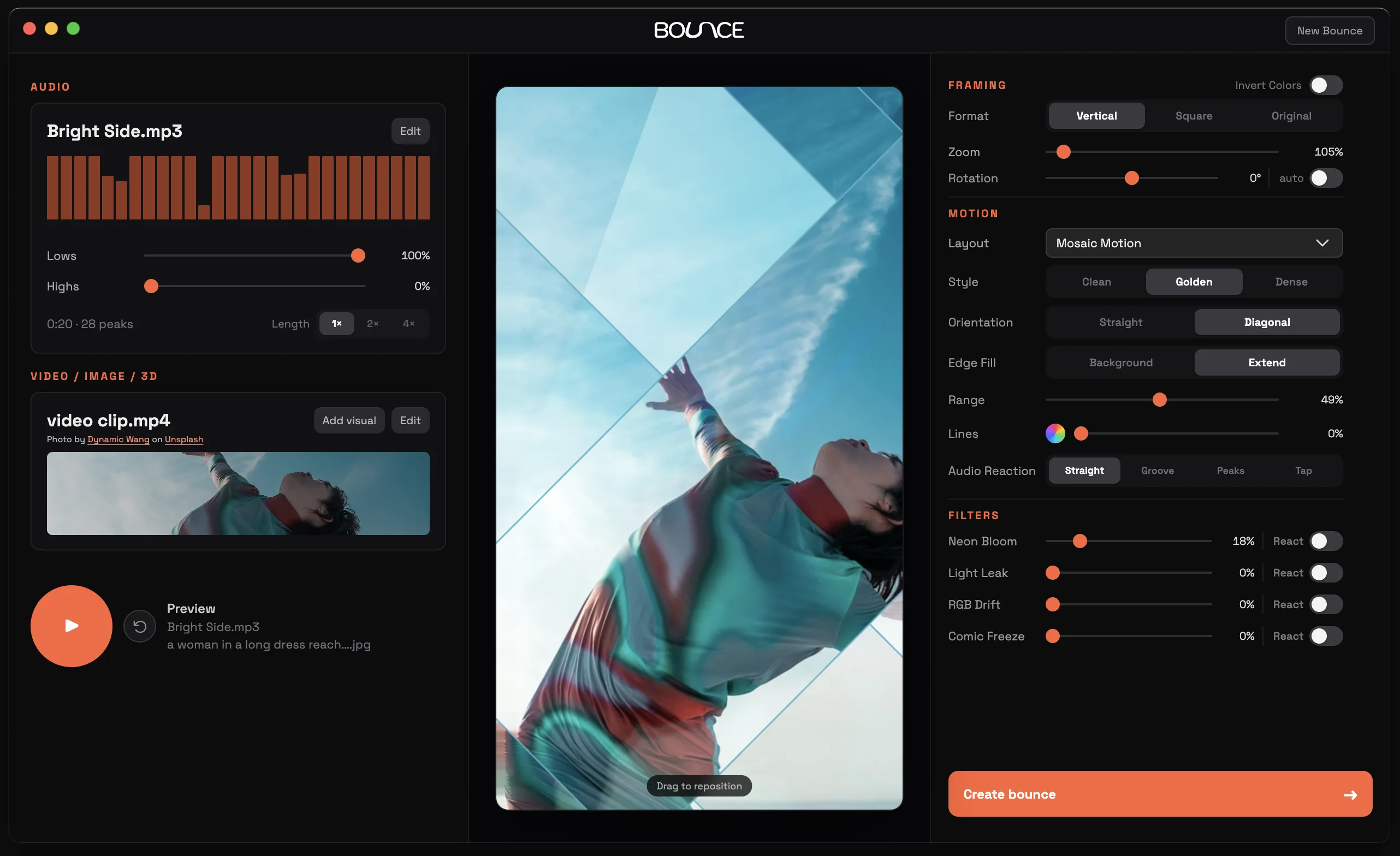
Start with your sound. Drop in your clean audio. Use the whole track or find a loop that hits just right.

Easily sync images and clips to your music to create audio-reactive videos for , , ,  Spotify Canvas, or anywhere you share.
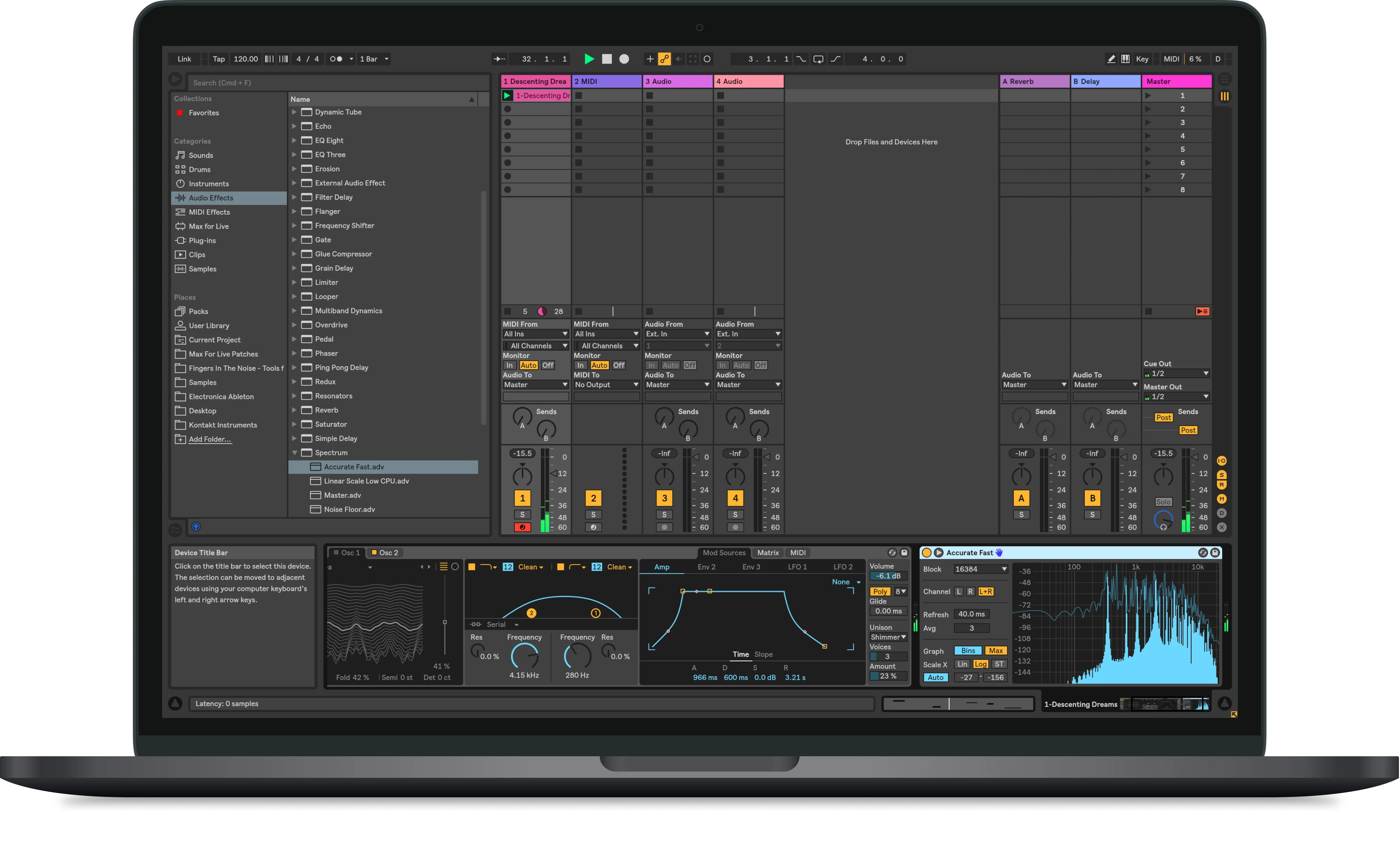

Start with your sound. Drop in your clean audio. Use the whole track or find a loop that hits just right.
Give it a look. Use your own clips and images. Add free visuals from Unsplash and Pexels directly from the app.
Edit to the beat. Choose a layout, sync visuals to the music, fine-tune it with filters, then export a video ready to share.
Make it move. Share it anywhere.
Download for MacBounce is a preview and isn’t yet notarized by Apple. macOS may block the first launch.
Managed Macs may require your IT administrator’s help.